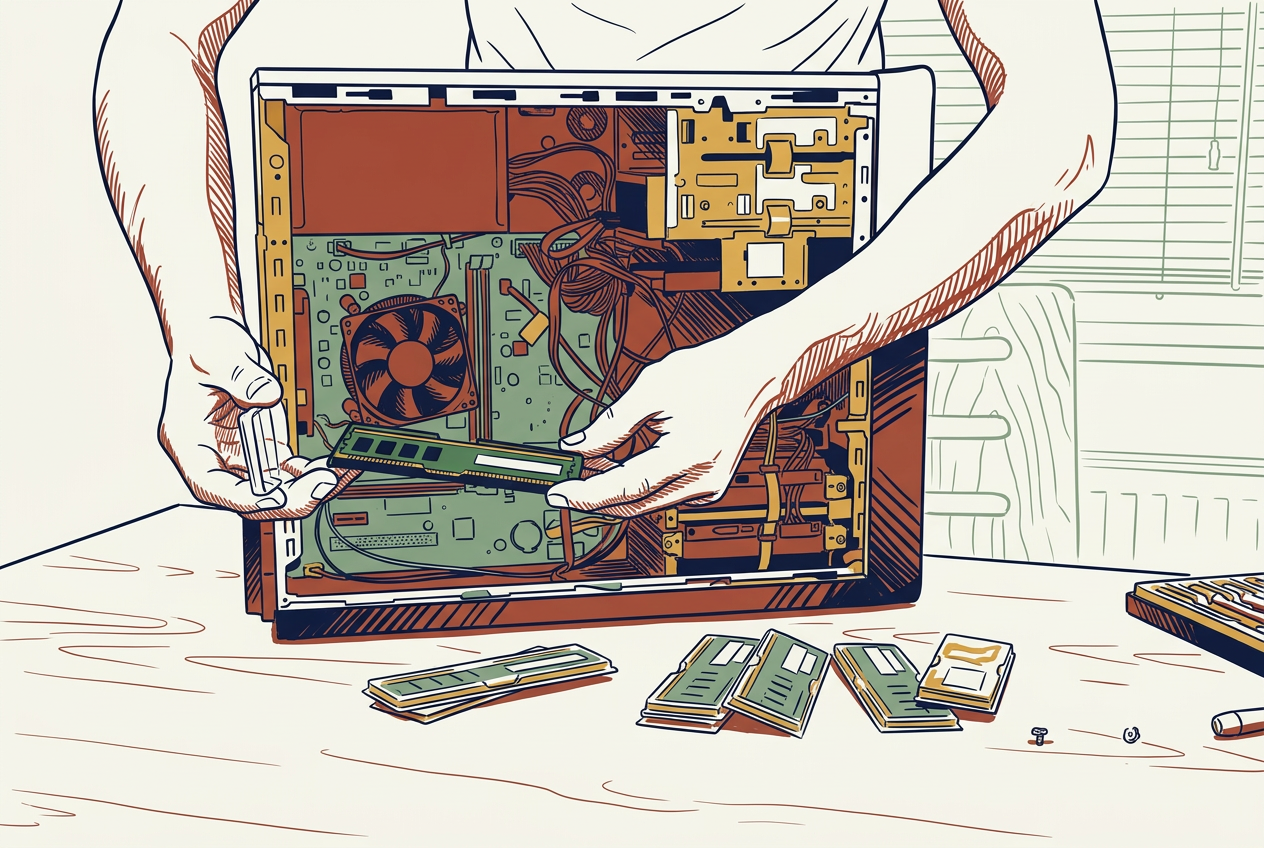
Refurbished PCs can significantly reduce the cost of hardware for self-employed individuals, particularly if their work is for general business use.
Buying a refurbished PC is one of the most cost-effective hardware strategies for self-employed individuals and small business owners. For standard, everyday business tasks, a refurbished machine offers virtually identical real-world utility to a brand-new model at a fraction of the investment.
Why Refurbished PCs Excel for General Business Work
- Access to Enterprise-Grade Build Quality
- Business-line computers (e.g., Lenovo ThinkPad, Dell Latitude, HP EliteBook) are engineered for durability, easier repairs, and longer lifespans compared to consumer-grade machines.
- Purchasing these models brand-new often costs 1,200–2,000+. Refurbished units allow self-employed individuals to acquire premium, highly durable chassis and keyboards for 300–600.
- Performance Ceiling for Everyday Software Has Leveled Out
- Tasks like document editing, spreadsheet modeling, web browsing, accounting, email, and video calls do not require cutting-edge processing power or dedicated graphics cards.
- An enterprise PC that is 2 to 4 years old (e.g., featuring an Intel Core i5/i7 or AMD Ryzen processor with 16GB RAM) handles everyday office workflows with zero noticeable slowdown.
- Substantial Upfront Capital Savings
- Refurbished models typically sell at a 30% to 60% discount compared to current retail equivalents.
- Preserving cash flow is critical when working for yourself, making lower hardware entry costs an immediate advantage for operational flexibility.
- Lower Depreciation Curve & Equal Tax Benefits
- Brand-new tech loses a significant portion of its market value the moment it is opened. Refurbished hardware has already absorbed that initial drop.
- From a tax perspective, business hardware purchases can usually be claimed or depreciated (e.g., via Capital Cost Allowance) based on the actual purchase price, regardless of whether the device was bought new or refurbished.
Key Things to Check Before Purchasing
| Feature / Criteria | What to Look For |
| Seller Class | Buy from Certified Refurbishers (e.g., Microsoft Authorized Refurbisher, manufacturer outlet like Dell Refurbished or Apple Certified Refurbished) rather than unverified third-party sellers. |
| Operating System | Ensure the device comes with a fresh, pre-installed, genuine OS license (such as Windows 11 Pro). |
| Warranty & Returns | Look for sellers offering at least a 90-day to 1-year full warranty and a clear 30-day return policy. |
| Hardware Baseline | Aim for a minimum of 16 GB RAM and an SSD (Solid State Drive) rather than an older HDD to ensure fast boot and load times. |
What are the best refurbished business laptop models and budget tiers for general office work?
Three core lineups dominate the refurbished business market: Lenovo ThinkPad, Dell Latitude, and HP EliteBook. Enterprise fleets cycle out these devices every 3–4 years, creating a steady supply of well-built laptops at steep discounts.
The most effective choices are categorized below by budget tiers and target use cases.
Refurbished Budget Tiers
| Budget Tier | Typical Specs | Ideal Use Cases | Top Recommended Models |
| Entry Level $200 – $350 | • Intel 8th or 10th Gen Core i5 • 8GB–16GB RAM • 256GB SSD | Basic office tasks, web browsing, cloud software, accounting, email. | • Dell Latitude 5400 / 5410 • Lenovo ThinkPad T480 / T490 • HP EliteBook 840 G5 / G6 |
| Sweet Spot $350 – $550 | • Intel 11th Gen Core i5/i7 or AMD Ryzen 5000 • 16GB RAM • 256GB–512GB SSD | Multitasking, heavy browser use, multi-monitor setups, video conferencing. | • Lenovo ThinkPad T14 Gen 1 or 2 • Dell Latitude 5420 / 7420 • HP EliteBook 840 G7 / G8 |
| Premium / Lightweight $550 – $800 | • Intel 11th/12th Gen or AMD Ryzen Pro • 16GB–32GB RAM • 512GB–1TB SSD | Frequent travel, executive client meetings, heavy spreadsheet/data work. | • Lenovo ThinkPad X1 Carbon (Gen 8 or 9) • Dell Latitude 7320 / 7430 • Apple MacBook Air (M1, 2020) |
Best Specific Models Standout Review
1. The Workhorse: Lenovo ThinkPad T14 (Gen 1 or Gen 2)
- Why it stands out: The T-series is famous for rugged build quality, spill-resistant spill channels, and top-tier keyboards.
- Best for: Self-employed professionals who type continuously or need high long-term reliability.
- Target Spec: AMD Ryzen 5 (4000/5000 series) or Intel Core i5 (10th/11th Gen) with 16GB RAM.
2. The Budget Champion: Dell Latitude 5420 / 5410
- Why it stands out: Dell Latitudes are easy to service and feature readily available replacement parts (batteries, chargers, keyboards).
- Best for: Cost-conscious buyers looking for maximum reliability per dollar spent.
- Target Spec: Intel Core i5 (10th or 11th Gen) with 16GB RAM and a 1080p (FHD) screen.
3. The Professional All-Rounder: HP EliteBook 840 (G7 or G8)
- Why it stands out: Premium aluminum chassis, thin design, and quiet operation compared to plastic consumer models.
- Best for: Client-facing professionals who want an aesthetic similar to a modern ultrabook without paying current retail prices.
- Target Spec: Intel Core i5/i7 (10th or 11th Gen) or AMD Ryzen 5/7 Pro.
4. The Travel Option: Lenovo ThinkPad X1 Carbon (Gen 8 or Gen 9)
- Why it stands out: Weighing around 2.5 lbs (1.1 kg), it combines extreme portability with high durability.
- Best for: Consultants, sales reps, or remote workers frequently working out of cafes or client offices.
- Target Spec: Intel Core i5/i7, 16GB RAM, 512GB SSD.
Non-Negotiable Specifications for General Office Work
- Processor: Minimum 8th Gen Intel Core i5 (e.g., i5-8250U or higher) or AMD Ryzen 3000 series. Older 7th Gen processors are not officially supported by Windows 11.
- RAM: 16GB is the modern sweet spot for smooth multitasking across web apps, spreadsheets, and video software. Avoid 8GB unless the RAM can be manually upgraded.
- Storage: Solid State Drive (SSD) only (256GB minimum). Traditional HDDs should be avoided.
- Display: 1920×1080 (FHD) IPS panel. Avoid low-resolution 1366×768 screens.